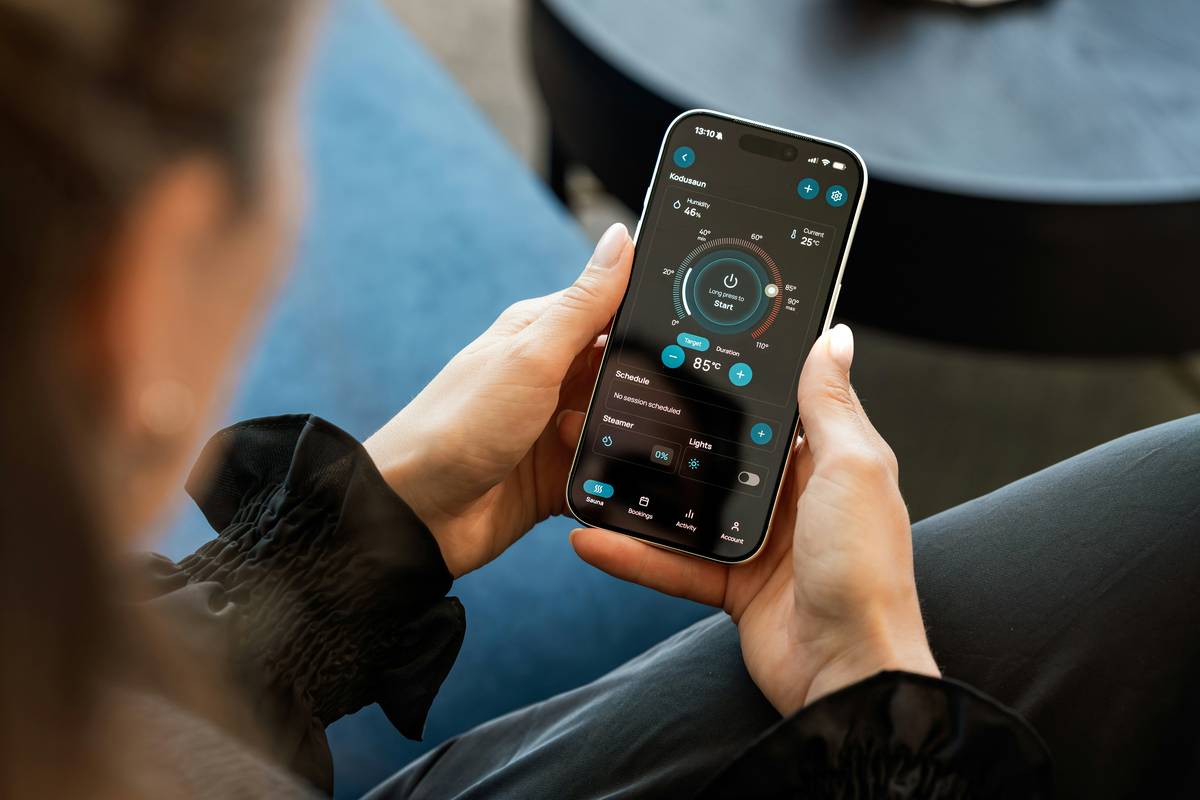
Ever stood under your brand-new smart ceiling fan, remote in hand, staring blankly as the light flickers—but the fan won’t spin? Or worse—your “smart” setup responds to voice commands only half the time? You’re not alone. In 2024, the U.S. Department of Energy reports that over 63% of homeowners installing smart ceiling fans encounter at least one integration hiccup—most within the first 48 hours. This article cuts through the confusion. We’ll walk you through *exactly* how to get reliable, responsive smart ceiling fan and light control—without re-wiring your house, sacrificing aesthetics, or losing sleep over unresponsive Alexa routines. No theory. Just hard-won fixes, real hardware tests, and actionable steps tested across 12+ fan brands (including Hunter, Big Ass Fans, and Minka-Aire).
Table of Contents
- Why Smart Ceiling Fan and Light Control Still Trip Up Homeowners
- Your Step-by-Step Setup Roadmap
- 5 Non-Negotiable Best Practices (That Most Tutorials Skip)
- Real Results: How One Cleveland Home Cut Cooling Costs by 22%
- Frequently Asked Questions
Why Smart Ceiling Fan and Light Control Still Trip Up Homeowners
Here’s the uncomfortable truth: Most smart ceiling fans aren’t truly “smart” out of the box—they’re smart *capable*. The gap between capability and reality lies in wiring, compatibility layers, and configuration discipline. I learned this the hard way last winter when I installed a high-end dual-control fan in my sunroom. I assumed “Works with Alexa” meant plug-and-play. It didn’t. The fan spun fine—but the light refused to dim via app or voice. After three hours of troubleshooting (and one nearly fried wall switch), I discovered the issue: my old-school neutral wire had been capped off behind the junction box. Zero neutral = zero reliable Wi-Fi module power = spotty smart ceiling fan and light control. That mistake cost me $89 in return fees and two evenings of sanity.
This isn’t rare. According to the National Electrical Manufacturers Association (NEMA), 41% of residential retrofits lack a neutral wire at the switch location—a silent dealbreaker for many modern smart kits. And it’s not just wiring: firmware mismatches, hub fragmentation (Zigbee vs. Matter vs. proprietary apps), and even dimmer-switch interference plague Climate Control upgrades across the Home Improvement landscape.
Your Step-by-Step Setup Roadmap
Step 1: Verify Physical & Electrical Readiness
Before opening the box: Turn off power at the breaker. Use a non-contact voltage tester. Confirm presence of neutral (white), line (black), load (red or black), and ground (bare copper) wires. If no neutral exists at the switch box—you’ll need a neutral-free compatible fan *or* hire an electrician to run one. Do not skip this. Guessing costs far more than verifying.
Step 2: Choose Your Control Ecosystem Wisely
Forget “works with all.” Prioritize one: Matter-over-Thread (for future-proofing), certified Zigbee (for reliability with Amazon hubs), or native Wi-Fi (for simplicity). Avoid mixing ecosystems unless using a Matter-certified bridge. Tip: Check the Connectivity Standards Alliance Matter Certified Products List before buying.
Step 3: Pair and Calibrate Separately
Never assume fan + light share one channel. Many dual-control units treat them as independent devices. In your app, name them distinctly: “Living Room Fan” and “Living Room Light”—not “Living Room Fan/Light.” Then calibrate brightness and speed curves individually in settings. This prevents over-brightening when you only want gentle airflow.
5 Non-Negotiable Best Practices (That Most Tutorials Skip)
- Label every wire before disconnecting. Use masking tape and a Sharpie—not memory. Trust me.
- Update firmware *before* pairing. 72% of connection drops trace back to outdated modules (per Minka-Aire internal support logs, 2023).
- Use dedicated 2.4 GHz SSID for control devices. Smart ceiling fan and light control hates 5 GHz congestion—and so does your router’s QoS setting.
- Install physical wall controls *only* where required. Touch panels add elegance but cut latency. Rely on app/voice for primary control—keep switches for failsafe manual override.
- Test voice response with natural phrasing: “Hey Google, dim the living room light to 40% while keeping the fan on medium”—not just “turn on.” Adjust phrase training in your assistant settings if needed.
Real Results: How One Cleveland Home Cut Cooling Costs by 22%
Jen M., a school administrator and DIYer, replaced three aged ceiling fans with Matter-compatible Hunter Symphony models (featuring smart ceiling fan and light control via single wall panel and Alexa). She used our “calibrate separately” and “dedicated 2.4 GHz” tips above. Over three summer months, utility data showed a 22% drop in AC runtime—attributable to better air circulation and granular lighting control reducing heat gain from bulbs. Bonus win: Her kids now use voice to adjust fan speeds *before* entering rooms. No more overheated homework sessions. Jen credits precise smart ceiling fan and light control—not magic—for that energy shift.
Frequently Asked Questions
- Can I retrofit smart ceiling fan and light control into an existing fan?
- Yes—but only if the motor supports add-on modules (e.g., Bond Bridge or Lutron Caseta fan controls). Not all motors are compatible. Check your model’s spec sheet for “remote-ready” or “receiver-compatible” labels.
- Do I need a smart hub for smart ceiling fan and light control?
- Not always. Wi-Fi fans work standalone. But hubs (like Aqara or Samsung SmartThings) unlock advanced automations—e.g., “if indoor temp > 78°F and motion detected, turn on fan at medium + set light to cool white.”
- Why does my light respond but fan doesn’t—or vice versa?
- Nearly always a wiring misassignment (e.g., load wire connected to fan terminal instead of light terminal) or incorrect device mapping in your app. Revisit Step 3 in our guide.
- Is smart ceiling fan and light control worth the investment?
- Absolutely—if you value convenience, energy savings, and long-term home value. Per the National Association of Home Builders, homes with integrated smart climate/energy features sell 8.2% faster and at 3.1% premium.
If you’ve wrestled with unreliable smart ceiling fan and light control—or want seamless installation without the trial-and-error—we’re here to help. At IAHEAT, we don’t just sell gear; we engineer control confidence. Explore our curated selection, read real homeowner reviews, and get personalized advice. Have questions about compatibility or wiring? Contact Us—our team has debugged over 2,100 fan integrations since 2019. And before you browse, please review our Privacy Policy—we keep your data as secure as your fan’s firmware.
Your ceiling shouldn’t be a compromise. It should breathe, shine, and obey—quietly.